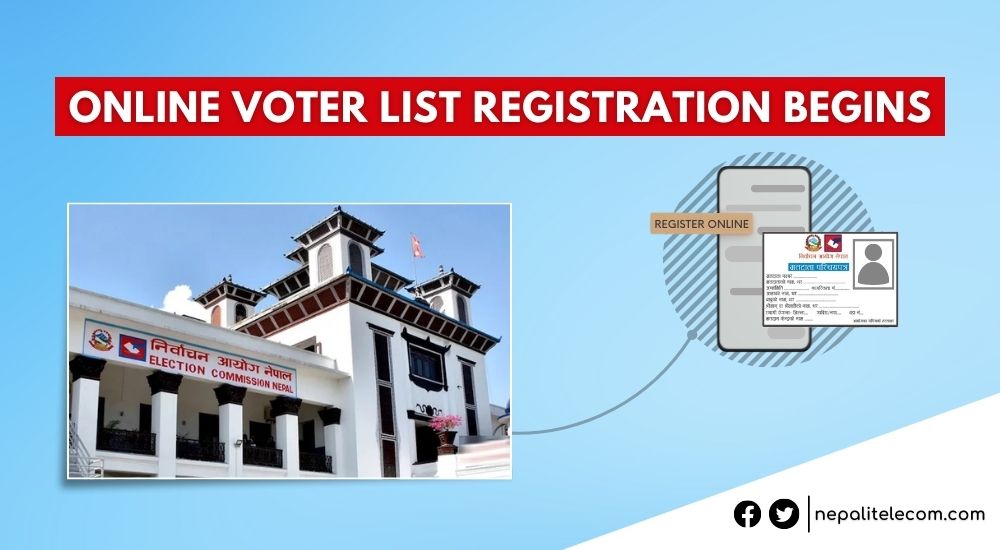
Now, you can apply for your voter list pre-registration online (Matadata Namawali Darta) to be eligible to vote in Nepal’s upcoming elections. The Election Commission has launched an online system enabling an online Voter ID Registration system. The process was halted from Mangsir 06, 2082, for the Falgun 21 elections, but has now resumed from Chaitra 23, 2082. The applicants can perform their biometrics at their nearby election office.
To register your voter ID, you need to first go to the Election Commission’s website and enter your personal details. It’s a pre-enrollment process. After filling out the details online, you have to go to the district election office to take a photo and do your biometrics. There, you need to submit other necessary documents with the code number mentioned in the online form. This unique number is issued to you when you apply online.
The online system has put an end to the need to visit the District Election Office, District Administration Office, and other bodies to register and update the public’s voter ID list.

Also see: National ID Card Benefits, Process to Apply | FAQs
Table of contents
Context for the opening of online voter registration
The Election Commission opened its portal in full operation from Ashoj 09, 2082. But this became only possible after the interim government led by the former PM Sushila Karki brought an ordinance that allows citizens to register to vote even after the election date announcement. It’s opposite to the current practice, but the decision aligned with the spirit of the Gen Z protest and the current political scene in the country.
If you have already registered your voter ID, then see how you can check your voter details online and even edit them.
You can also register your Voter ID with the National ID card now. This will remove the need to do biometrics at an election office, which makes it very convenient for NID holders with the entire process.
Steps to apply for the pre-registration for the voter ID list
- First, visit this link https://applyvr.election.gov.np/
- Click on ‘registration’, and you will see some instructions. Click on ‘Banda Garnuhos’ to proceed

- Enter your mobile number and click on the arrow next to it

- You will receive a 4-digit OTP code
- If you don’t receive the code, click on the ‘Resend Code’ option as shown below. You will get the code in your SMS.
- When you receive the OPT code, enter it in the fields
- When you enter the OTP code, you will see a new webpage to fill in other details
- On the new page, click on New Registration on the left side
- Now, fill in your personal details and click on ‘submit’. Make sure your details are all correct as per your citizenship record
- You will now receive a unique number for your identification. You need to keep it safe, so it is suggested you print a copy of the page for future reference
- Next, you will need to visit your district’s election office with the printed copy (containing the unique number) and necessary documents to update your photo and fingerprint.
- Then, the office will issue you your official voter ID card.
- The only pre-registration is to help you avoid travel and long queues at the election office and reduce the time spent on the process.
How to pre-register for voter ID on Nagarik App?
Follow the steps below to apply for a voter ID directly on Nagarik App.
- Open Nagarik App
- Tap on Voter ID
- Tap on Click Here to start our pre-registration
- Enter your province, district, municipality/VDC, ward no, voting center, and tap on Proceed
- Enter your Personal Details, Citizenship Details, and tap on Proceed
- Enter either Yes or No to confirm the status of your physical disability, and tap on Proceed
- Enter your mother tongue, ethnic group, and choose from literate and illiterate under Education Qualification, select your educational level from the field, and tap on Proceed
- Now, select the office of your convenience from Province, District, Contact’s place name, and date for your biometrics, and tap on Proceed
- You now get a complete form generated from your details. Tap on Register.
- You get Success as confirmation that your pre-registration for a voter ID has been completed. Tap on Ok. You may also want to save your applicant ID somewhere.
You can get a printout of your details, which you saved as a draft, and take it to the office on the date you have chosen for the biometrics.
Check the election candidate list and find out who is running in the election.
Biometrics at any election office
The Election Commission has announced that citizens can get their biometrics done at any election office. Interested voters can have their photos and biometrics taken at their nearest election office.
The provision helps people who are living out of their birth district and would have had to travel to their designated election office under the previous provision. If you have registered your voter ID online, then you can now go to the election office nearest to you and complete your voter ID registration with a photo and biometrics. The decision applies to every citizen across Nepal.
How satisfied are you with the Election Commission resuming its online system for voter list registration (Matadata Namawali darta)? And are you going to participate in the upcoming local-level elections? You can share in the comments below.