

Last Updated on April 5, 2026
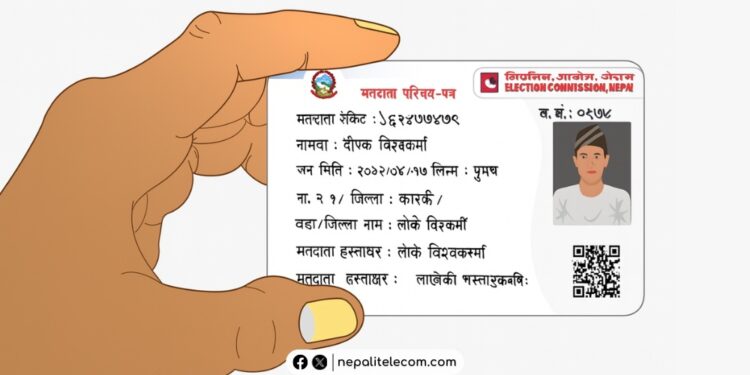
The Election Commission Nepal has opened pre-enrollment (registration) for voter ID registration starting Chaitra 23, 2082. This allows you to not just pre-enroll, but also check or edit your voter ID details online. This post guides you on how you can check your voter ID in the list (Matadata Namawali) online, which helps you find where you will cast your vote and even correct mistakes if there are any. Keep reading.
You can register for a voter ID online at your convenience. It’s super easy and only takes a few minutes. Learn how to find the candidate list for this election from all 165 constituencies.

Table of contents
What can you edit?
ECN has made a provision allowing you to apply for correction of errors in the voter list, removal of duplicate names, updating details of death and migration, etc.
You can apply to correct your voter ID name, surname, and address. Also, if there are two or more polling stations within the same ward, then you can move your name to the place convenient to you. You can correct your details as per your citizenship.
Steps to check your voter ID (list) roll details online
If you have already registered yourself as a voter, then here are the steps to check your voter ID list, aka voter roll details, online:
- Visit the Election Commission portal https://election.gov.np/
- Click on Voter Roll or go directly to the Voter list page of the Election Commission Nepal.
- Click on province, district, local level, ward no., and voting (polling) station, and click on SUBMIT
- The next screen shows you the list of registered voters, where you can also see your name. If it’s difficult to find, you can sort by selecting the first letter of your name in the Nepali alphabet.
- After clicking your name, you need to provide your birthday or Citizenship number (as promoted for your identification) to get your voter list details (Matadata Namawali)
NOTE: You can also enter your personal details (date of birth or citizenship number) and check the “I am not a robot” box to get your voter ID details.
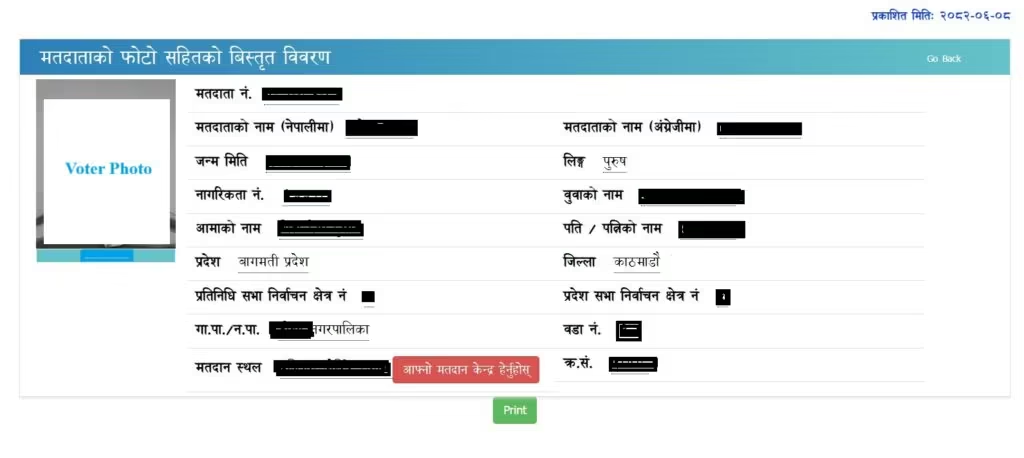
The website is updated with the database until 2082-Mangsir-21. Therefore, it is likely that even newly registered voters will now be able to view their details.
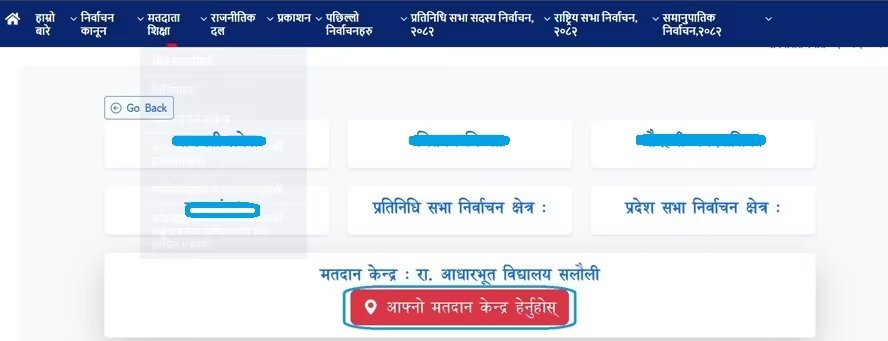
By clicking on the “Afno Matadan Kendra Hernuhos” (Check your polling station). The next page opens Google Maps, which shows your poll stations.
Also: How to apply for National ID Card (NID) Nepal in 2025 | FAQs
How to edit your voter ID details online?
Follow these steps to correct your voter details online:
- Go to https://election.gov.np/
- Click on One Pre-Enrollment and click on update voter list, or go directly to Voter Pre-Enrollment and Edit page of Election Commission Nepal
- You now need to enter your mobile number
- Enter the OTP code you received
- Click on “New Request“
- Now, follow the prompts to edit your registered voter details online
- If you have already done preregistration earlier using your mobile phone, then this process works smoothly.
You can also make your voter ID with the National Identity Card (NID), which removes the need for biometrics. This process is live at the Election Commission portal and is beneficial for citizens with an NID card or number.
For further queries and help, do leave your queries in the comment section below.









New