Last Updated on December 14, 2025
Apple has rolled out iOS 26.2 on December 21, and chances are that it’s available for your iPhone. It’s a new branch of updates on its iOS 26 tree and brings along some new changes to your precious gadget, including some tweaks in the Liquid Glass interface, games, etc. Let’s find out more in detail:
Table of contents
iOS 26.2 highlights
Liquid Glass changes
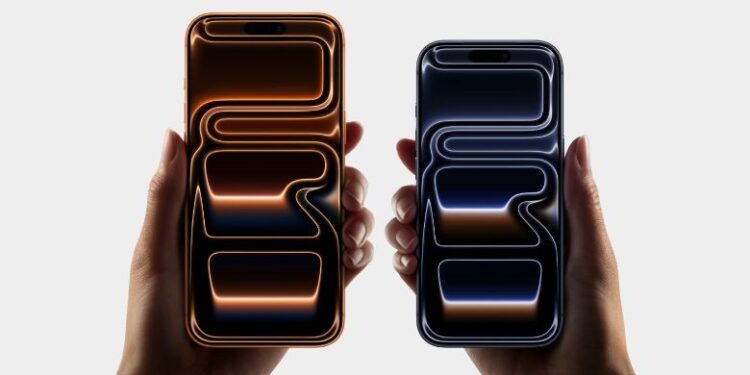
The Liquid Glass interface is one of the major changes Apple brought with iOS 26. Fast forward to iOS 26.2, and it continues to refine the translucent design with new tweaks. Now, you can change the opacity of icons and the lock screen clock to your liking. Besides, you also get Liquid Glass footprint in the Measure tool, cool stuff!

AirDrop PIN
Likewise, iOS 26.2 brings a new option to sync iPhones for AirDrop with a PIN that is used to find other Apple devices. The PIN is valid for up to 30 days. Now, the clear benefit is that you can conveniently AirDrop files with other users who are not in your saved contact list.
Games app changes
The iOS 26.2 update brings an option to the Games library, enabling users to filter games by category, size, etc. There is also more support for controllers such as Backbone and Razer, and real-time score updates for challenges during the game, further enhancing the immersive feel for the gamers. The Games app has been the hallmark of the iOS 26 update, and the American phone maker continues to add more meaningful changes to it with new iOS issues.
Also: Android-iPhone file sharing possible: Quick Share-AirDrop
CarPlay pinned messages
You can now disable the pinned conversations in Messages in the CarPlay settings. Apple had not allowed this feature till the previous iOS, but now, the option has been extended to CarPlay.
Urgent alarm
You can now set an alarm or timer as “Urgent” on either one-timer or repeating mode. A special thing about these is that they override the do-not-disturb or Focus modes and get you a reminder of your important event or task.
Check out: iPhone 17 Pro Max price in Nepal
How to get iOS 26.2 on your iPhone?
You can download and install the iOS 26.2 update on your iPhone via Settings > General > Software Update. If you have an iPhone 11 or iPhone SE 2020/2022, then you are eligible for this update.