• Ntc
  • Ncell
  • Samsung
  • Apple
  • Xiaomi
  • 2G to 5G
  • ISP
  • NTA
  • Tariffs
  • About us
Wednesday, June 10, 2026
NepaliTelecom
  • Home
  • Telecom News
    • News
    • NTA
    • Ntc
    • Ncell
    • Smart Cell
    • Digital Nepal
  • Gadgets
  • How To
  • SpeedTest
  • Contact
  • About
No Result
View All Result
  • Home
  • Telecom News
    • News
    • NTA
    • Ntc
    • Ncell
    • Smart Cell
    • Digital Nepal
  • Gadgets
  • How To
  • SpeedTest
  • Contact
  • About
No Result
View All Result
NepaliTelecom
No Result
View All Result

Home » Tech News » RCS messaging comes to iPhones with a third-party app

RCS messaging comes to iPhones with a third-party app

Dinesh by Dinesh
February 4, 2024
in Tech News, World
Reading Time: 3 mins read
RCS iPhone
Follow us on

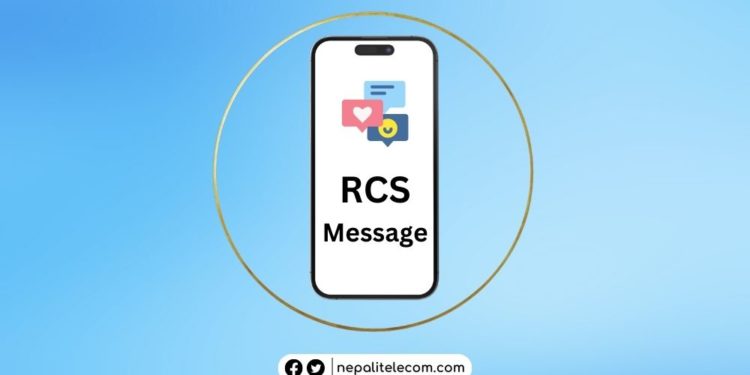
iPhone users can now enjoy the benefit of RCS Messaging with a third-party app called “Beeper”. Apple has remained hesitant to implement the messaging standard since Google released it, however, that might have changed now.

What Beeper does is that it integrates all the messaging platforms in its system. And the latest update of the app has included Google Messages which lets iPhone users use RCS messaging on their phones to chat with Android users.

RCS refers to Rich Communication Services which is incorporated into the Google Messages app. Unlike traditional messaging, RCS has end-to-end encryption and read receipts, among other distinct features. Google has made its message app trendier and feature-rich using the same as other instant messaging apps such as WhatsApp.
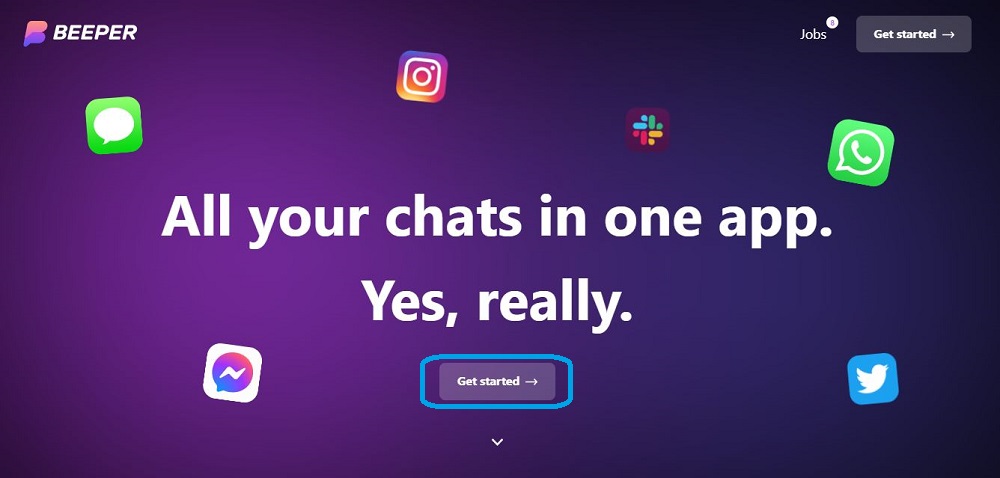
rcs messaging on iphones Beeper
Webpage of Beeper

Most Android OEMs already use the RCS standard for messaging however, Apple has remained reluctant, likely due to security reasons. In fact, Apple would fairly say that its iMessage includes most of the RCS messaging features. But using Beeper, iPhone users can enjoy all the features when they send messages to Android users.

Check out: How to enable advanced messaging service (RCS)?

The first step is to be on the “waitlist“

The biggest drawback with Beeper is that you need to be on a waitlist that lasts 45 days before the platform lets you download and use Beeper. To start using Beeper, you need to do the following:

  • Go to the official site of Beeper and click on Get Started.
  • Enter your name, email ID, chat network, country, and phone number.
  • When the waitlist is over, you get a download link for the desktop version.
  • Install the Beeper app.
  • Follow the instructions on the screen to create a Beeper account.
  • Once the account is created, you can see the list of chat networks including Google Messages (RCS).
  • After you create your Google RCS profile, you can chat with your family and friends using Android devices.

But if you already are a Beeper user, then you can rather quickly start using Google Messages on iPhones. Read below for more.

Don’t miss: Will Instant Messaging Push SMS To Death? Let’s Analyze

RCS Messaging on iPhone is a cool feature to boast about. However, using it on a closed-source OS of Apple may not be a preference for all. Using a third-party app to enjoy the services of an Open Source system might also entail risks. At the same time, the Google Messages support remains in beta which could lead to issues in avatars, chat history, read receipts, etc.
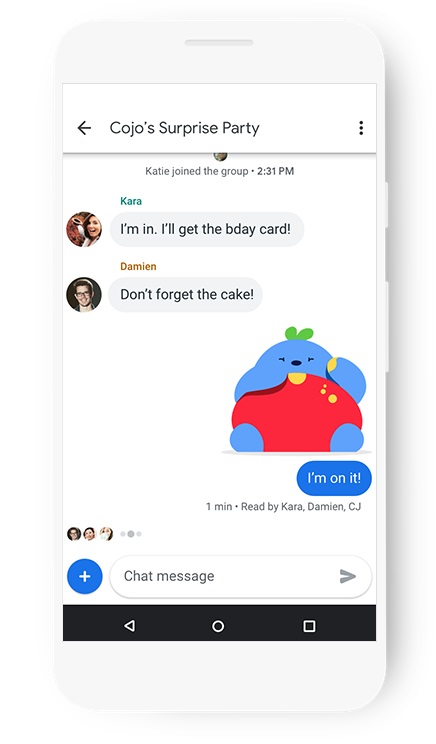
RCS Messaging
RCS Messaging: From Google

Therefore, the ability to use RCS Messaging on iPhones could divide opinions and again stir the same old debate of Android vs iPhone. But using this messaging standard depends entirely on users’ need for features and convenience. We are not debating though that the new-generation messaging standards have transformed the idea of text messaging.

Will you be eager to use RCS Messaging on iPhones with a third-party app or rather opt to stay within Apple’s closed ecosystem? Do share with us in the comment section below. For tech, telecom news, and the latest gadget reviews, keep vising Nepalitelecom.com.

Follow us on Facebook, Google News, and Viber to get the latest news, and information about Nepal Telecom, Ncell, Smart Cell, ISPs, mobile apps, and phones in Nepal.

Latest Posts

  • Ncell Data Centre receives Tier 3 certification, a major milestone for digital goals
  • Vivo brings Summer Surprise Campaign with mega lucky draw
  • Nepalis can now send money to India via mobile banking apps | Cross-Border P2P Transaction
  • iOS 27 announced with a new slider, Siri AI app, and more
  • Nepal Telecom launches FIFA World Cup 2026 package for NT TV users
  • Aanchal Kunwar steps down as Daraz Nepal Managing Director
  • Ncell users get up to 60% discounts on Ultima gadgets
Comments
Previous Post

Ncell recognized for helping solve crime investigations

Next Post

Smartphones worth Rs 2.86 arab imported in a single month

Dinesh

Dinesh

Senior Editor; An experienced tech writer covering news mostly on telecommunication, internet, latest tech & trends, and Gadgets. Being a technophile, I am particularly fascinated by the evolution of mobile networks in Nepal from legacy networks (2G, 3G) to 4G (with VoLTE, VoWiFi, eSIM) and the prospects of the upcoming 5G, and equally enthralled by the development of internet from the dial-up connection to the 2 Gbps XGS-PON fiber broadband technology and their transformative impact in the country.

Related Posts

Apps

iOS 27 announced with a new slider, Siri AI app, and more

June 9, 2026
Mero kitta App
Apps

Mero Kitta App Nepal: How to Use, Download & Features [2026]

June 5, 2026
My experience with monthly data pack Nepal
Blogging

How my life changed after buying a monthly data pack?

June 5, 2026
Load More

You may also read

Ntc FTTH

Nepal Telecom Fiber Internet: Price, Speed, Offer, Packs [2026]

June 2, 2026
FIFA World cup 2026 full fixtures in Nepali time

FIFA World Cup 2026: Schedule in Nepali Time, Groups & Venues

June 2, 2026
How to watch world cup Football matches in Nepal

How to Watch Football World Cup 2026 Live in Nepal? Find All Fixtures

June 6, 2026
Nepal Telecom NTC FIFA Football World Cup 2026 package for NT TV users

Nepal Telecom launches FIFA World Cup 2026 package for NT TV users

June 8, 2026
Nepal Telecom Ntc customer care numbers

Ntc Customer Care Number for Complain & Info Query [2026]

February 5, 2026
Latest Vianet logo

Vianet Internet Packages in Nepal: Prices, FUP, and ViaTV

June 8, 2026
NepaliTelecom

Nepalitelecom.com is a website/blog which provides information regarding telecommunication in Nepal along with Gadgets and has been doing some research for the telecom market in Nepal. We intend to do more of such survey/research in the Nepalese Telecom sector.

SiteMap

📢 Follow us on Viber to get the latest news, and information about Nepal Telecom, Ncell, ISPs, mobile apps, and phones in Nepal.

Popular Categories

Ntc | Ncell | Telco News | ISP | NTA | Gadgets

Recent Posts

  • Ncell Data Centre receives Tier 3 certification, a major milestone for digital goals
  • Vivo brings Summer Surprise Campaign with mega lucky draw
  • Nepalis can now send money to India via mobile banking apps | Cross-Border P2P Transaction

© 2026 Nepalitelecom

No Result
View All Result
  • Home
  • Telco News
  • Gadgets Nepal
  • Nepal Telecom
  • Ncell
  • Digital Nepal
  • How To
  • Editors’ Pick

© 2026 Nepalitelecom