• Ntc
  • Ncell
  • Samsung
  • Apple
  • Xiaomi
  • 2G to 5G
  • ISP
  • NTA
  • Tariffs
  • About us
Wednesday, March 11, 2026
NepaliTelecom
  • Home
  • Telecom News
    • News
    • NTA
    • Ntc
    • Ncell
    • Smart Cell
    • Digital Nepal
  • Gadgets
  • How To
  • Editors’ Pick
  • Contact
  • About
No Result
View All Result
  • Home
  • Telecom News
    • News
    • NTA
    • Ntc
    • Ncell
    • Smart Cell
    • Digital Nepal
  • Gadgets
  • How To
  • Editors’ Pick
  • Contact
  • About
No Result
View All Result
NepaliTelecom
No Result
View All Result

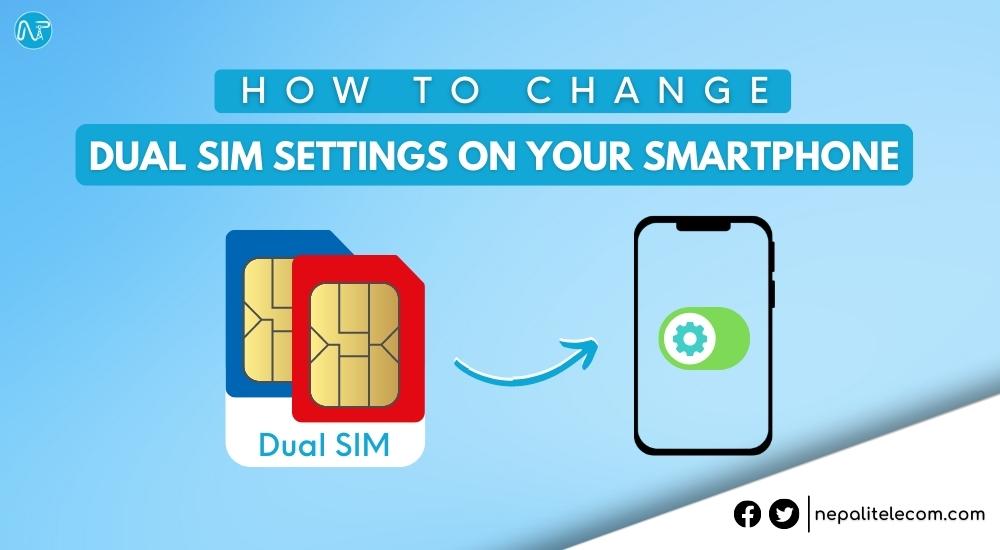
How to Change Dual SIM Settings on Your Smartphone?

Mintu Awal by Mintu Awal
January 8, 2024
in How To
Reading Time: 4 mins read
How to Change Dual SIM settings on your smartphone

Dual SIM has become very common in smartphones these days. Having such an option enables the service of two different carriers on a single smartphone. There are some SIM settings that every smartphone user should know. In this article, you will find how to change dual SIM settings on your smartphone.

How to Change Dual SIM Settings on your Android Smartphone?

Here is how you can change dual SIM settings on your Android smartphone;

  • First, go to the settings of your Android smartphone.
  • Then, head toward SIM Cards & Mobile Networks/Network & Internet options or Connections>SIM Cards option.
  • Do select your default SIM for calls and messages or you can also set it to always ask when you make a call.
  • Also, Set SIM 1 or SIM 2 for Data (Internet) as per your preference.
  • You can also set Dual 4G to allow 4G connectivity for both slots.
  • Likewise, you can also turn VoLTE for improved voice calls and call connectivity from the SIM settings.
How to change dual sim settings on smartphone
Dual SIM Settings on Redmi K20 Pro

Do Read:- Which Phone Brands Have Band 20 4G Support and VoLTE in Nepal?

How to Change Dual SIM settings on your iPhone?

iPhones carrying a different legacy, have a little different dual SIM functionality as it supports a physical sim slot and an eSIM. You can follow the following steps to change dual SIM settings on your iPhone;

  • If you have newer iPhone models such as 15 series (iPhone 15 Pro max), iPhone 14 series, you can use dual eSIMs without having to use a physical SIM.
    • For setting two eSIMs, you can label the SIM card as per your preference such as Primary, Secondary, Travel, Business, etc.
    • You can also choose default numbers for calls and texts.
    • When you have set two SIMs on an iPhone, it will use the default SIM for calling and texting. Or, you can also set the SIM to make iPhone remember which number to use for contacts. Go to contact>preferred cellular plan>select your preferred SIM to use with the contact.
  • If you have older models like iPhone 12, and iPhone 12 Pro with dual SIM support, you can use one nano + one eSIM or dual nano SIM cards on, iPhone 11, iPhone XS, and iPhone XR depending on your region. The SIM setting process is the same as the aforementioned.
  • For data switching, you can go to settings, then tap on Cellular Data, and turn on Allow Cellular Data Switching.
  • To make calls from the dial pad through your other SIM, enter the phone number>tap the number, near the top of the screen>select the SIM you want to use.
  • To change your cellular data number, head toward settings>cellular data>select the SIM you want to use the data with.
  • For sending texts or iMessage, you can change the number by tapping the SIM you want to use on the text box.
Dual SIM settings on iPhone
Dual SIM/eSIM labeling on iPhone

Have a Read:- Ntc eSIM launched in Nepal | How to upgrade?

So that was about how to change dual SIM settings on your smartphone; Android and iPhone. We hope, this article was beneficial for you.

Also, Read:- How to Block SIM Cards of Nepal Telecom, Ncell, and Smart Cell?

If you have any queries, feel free to leave a comment below.

Follow us on Facebook, Twitter, and Viber to get the latest news, and information about Nepal Telecom, Ncell, Smart Cell, ISPs, mobile apps, and phones in Nepal.

Latest Posts

  • Latest fiber users report 2082: WorldLink, Dish Home top
  • 4G users in Nepal: 2.64 crores | Latest NTC, Ncell figures
  • Nothing Phone (4a) launched with a new Glyph bar
  • Samsung Galaxy S26 Ultra opens for pre-booking in Nepal
  • Samsung Galaxy S26+, S26 available for pre-booking in Nepal with discount
  • Samsung Galaxy S26 Series Pre-booking Opens in Nepal
  • Nothing Phone (4a) Pro launched with fresh design, 5080mAh battery
Comments
Previous Post

How to Improve Smartphone Performance? Know the Steps Here!

Next Post

Deal Alert: Vivo V21e Gets a Price Cut in Nepal

Mintu Awal

Mintu Awal

A weird techno guy who dwells inside his own world of thoughts resembling Life, Karma, Tech, Gadgets, Astrology & Spirituality. Loves to contemplate and daydream about owning every newly launched gadget. Thinking Beyond and Sinking Deep in the sea of this threshold known as 'Human Life'.

Related Posts

Digital Nepal

Easiest ways to find election 2082 candidate list, polls station online

March 4, 2026
How to set up speed dial on phone
How To

What is Speed Dial? How to use it on Android, iOS in 2026?

February 8, 2026
How To

How to watch T20 World Cup 2026 live in Nepal?

February 8, 2026
Load More

You may also read

Check voter list online Election commission Nepal

How to check voter ID list details online? Election Commission

March 1, 2026

Easiest ways to find election 2082 candidate list, polls station online

March 4, 2026
Ntc FTTH

Nepal Telecom Fiber Internet: Price, Speed, Offer, Packs [2026]

March 9, 2026
how to check Ntc Ncell number owner name and transfer ownership

How to check Ntc, Ncell number owner name & Transfer

February 12, 2026
Nepal Telecom Ntc eSIM

How to Activate Ntc eSIM? Upgrade or New [2026 Update]

March 9, 2026

How To Watch Nepali TV Channels Online from Nepal/Abroad?

November 17, 2025
NepaliTelecom

Nepalitelecom.com is a website/blog which provides information regarding telecommunication in Nepal along with Gadgets and has been doing some research for the telecom market in Nepal. We intend to do more of such survey/research in the Nepalese Telecom sector.

SiteMap

📢 Follow us on Viber to get the latest news, and information about Nepal Telecom, Ncell, ISPs, mobile apps, and phones in Nepal.

Popular Categories

Ntc | Ncell | Telco News | ISP | NTA | Gadgets

Recent Posts

  • Latest fiber users report 2082: WorldLink, Dish Home top
  • 4G users in Nepal: 2.64 crores | Latest NTC, Ncell figures
  • Nothing Phone (4a) launched with a new Glyph bar

© 2025 Nepalitelecom

No Result
View All Result
  • Home
  • Telco News
  • Gadgets Nepal
  • Nepal Telecom
  • Ncell
  • Digital Nepal
  • How To
  • Editors’ Pick

© 2025 Nepalitelecom