• Ntc
  • Ncell
  • Samsung
  • Apple
  • Xiaomi
  • 2G to 5G
  • ISP
  • NTA
  • Tariffs
  • About us
Saturday, March 28, 2026
NepaliTelecom
  • Home
  • Telecom News
    • News
    • NTA
    • Ntc
    • Ncell
    • Smart Cell
    • Digital Nepal
  • Gadgets
  • How To
  • Editors’ Pick
  • Contact
  • About
No Result
View All Result
  • Home
  • Telecom News
    • News
    • NTA
    • Ntc
    • Ncell
    • Smart Cell
    • Digital Nepal
  • Gadgets
  • How To
  • Editors’ Pick
  • Contact
  • About
No Result
View All Result
NepaliTelecom
No Result
View All Result

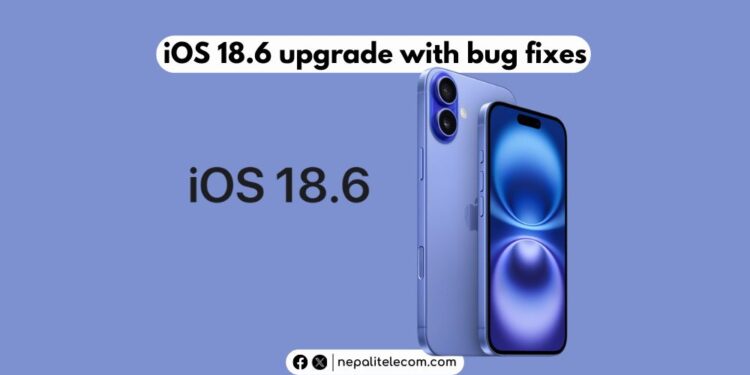
iOS 18.6 released: Features, how to download, supported iPhones

Dinesh by Dinesh
August 1, 2025
in Apps, Tech News
Reading Time: 3 mins read
iOS 18.6

Apple has launched iOS 18.6, its latest software update for eligible iPhones. The update brings substantial security enhancements and some fixes in the Photos app. Find out more about this update and how you can download it on your device.

iOS 18.6: What’s come to iPhones?

The iOS 18.6 includes bug fixes that protect the devices from behind the curtain. To be exact, Apple has made 24 bug fixes before bringing iOS 26. These fixes come for memory corruption, app termination, Safari browser crash, etc. There are some bug fixes in the Photos app too. While the change may not be noticed easily by users, the app will work more securely and smoothly.

Another highlight with this update is that Apple is making further compliance with the EU regulations. Apple is issuing new App Store guidelines and a new user experience (UX) for users in the EU. The move further reflects the American phone maker’s commitment to complying with the EU’s Digital Markets Act for iPhones.
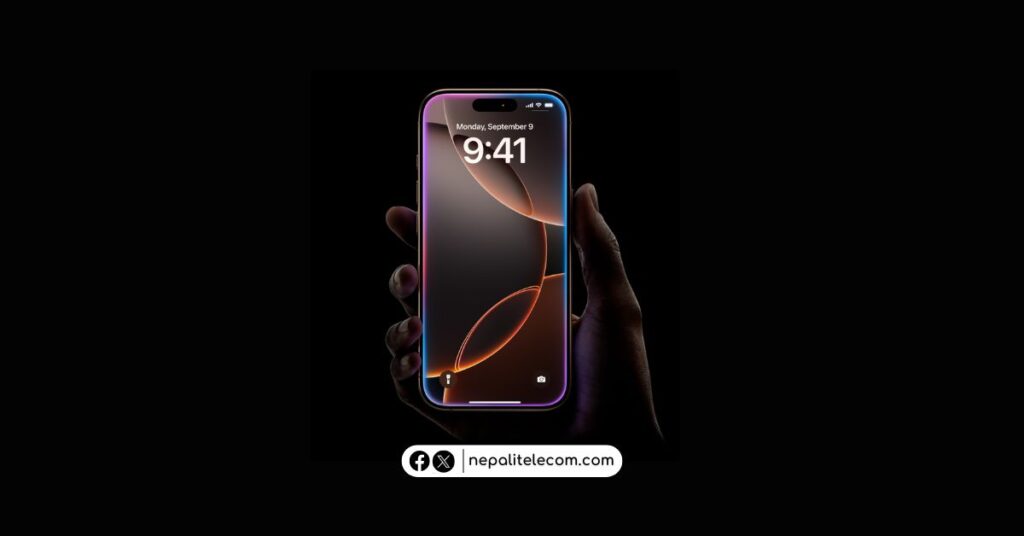
iPhone 16 pro and 16 Pro Max Price in Nepal

So, when a user tries to install a non-Apple app marketplace or install an app from the web, they get a new user experience. This only applies to the users in the EU.

The iOS 18.6 brings updates in Apple’s policies and interface for the EU in regards to installing third-party app stores or apps directly from the web. Downloading an app from the web and installing it on the phone is called sideloading and is quite a familiar practice among Android users.  

Also: Apple iPhone 16 Pro Max Latest Price | Latest 2025

How to install iOS 18.6?

To download iOS 18.6, go to your phone’s Settings app > General > Software Update and follow the instructions.

NOTE: If you have iOS 26 beta on your iPhone, but want to revert, you can do so by formatting your phone and turning off beta updates and installing the iOS 18.6 beta.

Is my iPhone compatible?

iOS 18.6 is available for models starting with iPhone XS and later models, including iPhone 14, iPhone 15, and the latest iPhone 16 series.

If you own any iPhone model we listed below, then you can install and download the iOS 18.6 on your device. If you have any queries on this update, let us know in the comment section below.


Follow us on Facebook, Twitter, and Viber to get the latest news, and information about Nepal Telecom, Ncell, Smart Cell, ISPs, mobile apps, and phones in Nepal.

Latest Posts

  • Xiaomi Pad 8 launched in Nepal, find specs and price
  • Xiaomi 17 Ultra pre-booking opens in Nepal
  • NTC starts International VoLTE roaming in Denmark and South Korea
  • ISPAN responds to Attorney General Office’s decision on TSC and Internet decision
  • Vianet launches WiFi 6 packages with upgrade offer
  • REDMAIC 11 Pro launched with liquid cooling, largest vapor chamber
  • Smartphone apps will disappear in the future – Nothing CEO Carl Pei
Comments
Previous Post

Nepal Telecom invites bid for NT Cloud Platform

Next Post

Jabbor Kayumov resigns as Ncell CEO, Enamul Kabir takes up role

Dinesh

Dinesh

An experienced tech writer covering news mostly on telecommunication, internet, latest tech & trends, and Gadgets. Being a technophile, I am particularly fascinated by the evolution of mobile networks in Nepal from legacy networks (2G, 3G) to 4G (with VoLTE, VoWiFi, eSIM) and the prospects of the upcoming 5G, and equally enthralled by the development of internet from the dial-up connection to the 2 Gbps XGS-PON fiber broadband technology and their transformative impact in the country.

Related Posts

Carl Pei
Tech News

Smartphone apps will disappear in the future – Nothing CEO Carl Pei

March 21, 2026
Tech News

Nokia shares vision for WiFi 9, these are its promises

March 18, 2026
Google Maps Ask Maps Immersive Navigation
Tech News

Google Maps brings Ask Maps, 3D navigation, key updates in over a decade

March 20, 2026
Load More

Leave a Reply Cancel reply

Your email address will not be published. Required fields are marked *

You may also read

Ntc FTTH

Nepal Telecom Fiber Internet: Price, Speed, Offer, Packs [2026]

March 9, 2026
how to check Ntc Ncell number owner name and transfer ownership

How to check Ntc, Ncell number owner name & Transfer

February 12, 2026
Nepal Telecom Ntc customer care numbers

Ntc Customer Care Number for Complain & Info Query [2026]

February 5, 2026
Nepal Telecom Ntc eSIM

How to Activate Ntc eSIM? Upgrade or New [2026 Update]

March 9, 2026
New WorldLink logo

WorldLink Internet Packages: Price, Offers, FUP, 2026 update

January 7, 2026
Ntc Namaste Wifi service with 4G LTE router

Namaste Wifi | Ntc’s Wireless Broadband with 4G Router [2026]

January 7, 2026
NepaliTelecom

Nepalitelecom.com is a website/blog which provides information regarding telecommunication in Nepal along with Gadgets and has been doing some research for the telecom market in Nepal. We intend to do more of such survey/research in the Nepalese Telecom sector.

SiteMap

📢 Follow us on Viber to get the latest news, and information about Nepal Telecom, Ncell, ISPs, mobile apps, and phones in Nepal.

Popular Categories

Ntc | Ncell | Telco News | ISP | NTA | Gadgets

Recent Posts

  • Xiaomi Pad 8 launched in Nepal, find specs and price
  • Xiaomi 17 Ultra pre-booking opens in Nepal
  • NTC starts International VoLTE roaming in Denmark and South Korea

© 2025 Nepalitelecom

No Result
View All Result
  • Home
  • Telco News
  • Gadgets Nepal
  • Nepal Telecom
  • Ncell
  • Digital Nepal
  • How To
  • Editors’ Pick

© 2025 Nepalitelecom