
Last Updated on August 14, 2026
Summary✨
- Nepal Telecom (NTC) has launched an online process for transferring ownership of postpaid mobile numbers, making it easier for customers.
- Customers can check NTC number ownership by dialing *9# and must ensure the number is registered in their name for services like the Nagarik App.
- To transfer ownership online, users must log in to the NTC portal, verify with OTP, and provide personal details before final verification at an NTC office.
- The online transfer option is available only for individual customers; corporate customers still need to visit an NTC office for this process.
- This initiative aims to enhance customer service by simplifying processes through online access.
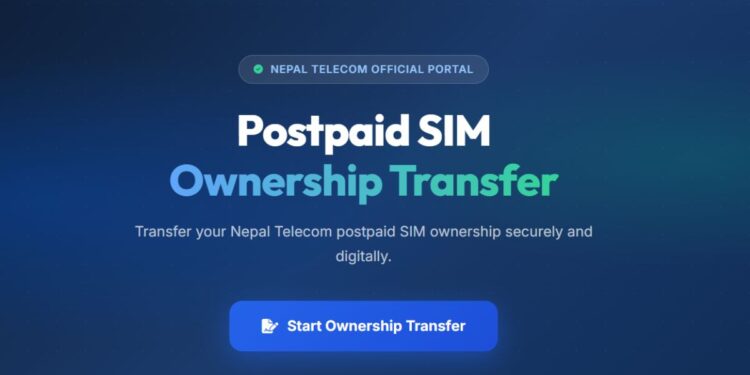
For the first time ever, Nepal Telecom (NTC) has introduced an online process to transfer the ownership of its postpaid mobile numbers. The move makes it more convenient for customers to bring the NTC postpaid number under their own ownership.
You can already check Ntc number owner by dialing *9#. If the number is not registered in your name, then you need to transfer it to your own. The government requires that several services including the Nagarik App, have the number you are using in your own name.

But previously, users had to physically visit their nearest office for SIM ownership transfer of their NTC numbers. But now, NTC has brought this online facility to transfer the ownership, making the whole process a seamless experience for users.
✅If you want to know why the 98510 NTC postpaid number is very popular.
How to transfer NTC postpaid SIM ownership online
To transfer NTC postpaid SIM ownership name online, you need to follow the steps below:
- Visit https://kyc.ntc.net.np/
- Click on Start Transfer Form
- Click on Start Ownership Transfer
- Enter the phone number
- An OTP is sent to the number
- Enter the OTP, enter the required personal details of both the existing customer and the person receiving the mobile number
- Visit the nearest NTC office or customer service center for final verification
- The final verification can be done via an authorized representative, too
For Prepaid, find the process for Ntc KYC update with same portal.
PS: Customers need to provide details of five outgoing mobile numbers inthe the past month for the authentication process.
The process requires an fee of Rs 100 with taxes and users must bring their original citizenship certificate at the NT office for verification.
👉 Nepal Telecom starts online service for lost or damaged SIMs replacement
Online postpaid NTC number ownership transfer is only for individual customers
Nepal Telecom has clarified that its online ownership transfer of postpaid NTC number is currently available only the individual customers.
Corporate customers will have to visit the office for name transferring process.
The company says that the new online name transfer process is part of its effort to simplify customer services by moving its processes online. By the way, you can also apply for NTC eSIM online.
NTC GSM Postpaid SIM Ownership Name Transfer
Yes. Nepal Telecom allows individual customers to start the GSM postpaid SIM ownership transfer process online through its customer login portal.
You can start the process through the Nepal Telecom KYC portal at kyc.ntc.net.np. You need to log in using your mobile number and verify it through an OTP. Also, you need to pay Rs 100 exclusive of taxes for the process.
Customers need to provide the required personal details of both the existing SIM owner and the person receiving the mobile number. The process also requires details of five mobile numbers called during the past month.
Yes. The online application does not completely eliminate the office visit. Customers need to contact their nearest Nepal Telecom office or customer service center for final verification, along with the applicable fee and original citizenship certificate.
No. The online name-transfer facility is currently available only to individual customers. Corporate customers need to visit a Nepal Telecom office to complete the ownership transfer process.