Last Updated on January 2, 2026
Ever wonder why your call and data just won’t work in a very crowded place? Calls won’t go through, voice scrambles, data won’t run or be slow, and SMS won’t deliver. If there’s no other reason from the telco (like network outage or other glitches), then, in such a situation, it’s network congestion affecting mobile services. I grappled with a harrowing issue of a similar nature in the recent Street Festival in Pokhara and wanted to share why this happens in layman’s words. Let’s get going.
Table of contents
What is network congestion, first?
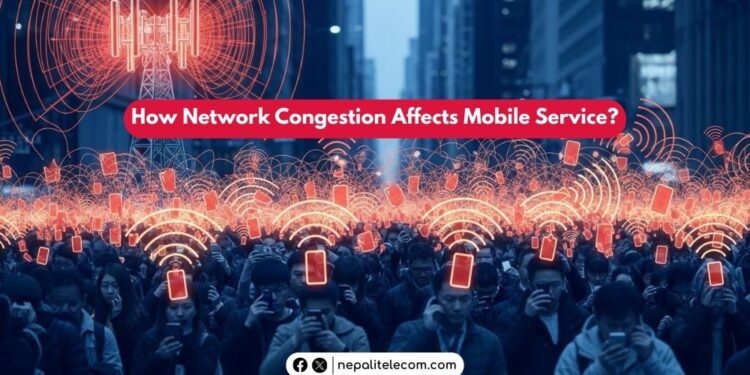
Basically, network congestion in telecom refers to a situation in which a mobile tower has to serve more users than it can (that is: serving beyond its capacity). A cell tower, let’s say, has an ability to handle a few hundred users, but if it has to connect and provide thousands of users at the same time, it becomes overburdened and simply can’t provide the services. Such condition of the cell tower is said to be in congestion.

You can compare it to a road carrying a huge number of vehicles than its capacity. As we normally phrase it: traffic congestion, the condition where traffic exceeds the road’s capacity. So, when many vehicles are on the same road as its width can handle, every vehicle has to slow down. Now compare this to cellular service. If there are more users trying to call, use data, or send an SMS at the same time in a place, then network becomes congested. Which results in unsuccessful calls, slow data speed making people difficult to access the mobile services. Here are other factors affecting 4G data speed.
Why does network congestion happen?
Keeping it straight for this article, a network congestion happens when there are huge no of users trying to access a telco’s service. There’s one tower nearby, and hundreds of people are trying to call, browse, or exchange SMS. But they are all fighting to get a service from the tower, but the infrastructure has its own capacity limit, and it can’t operate smoothly due to the huge request.
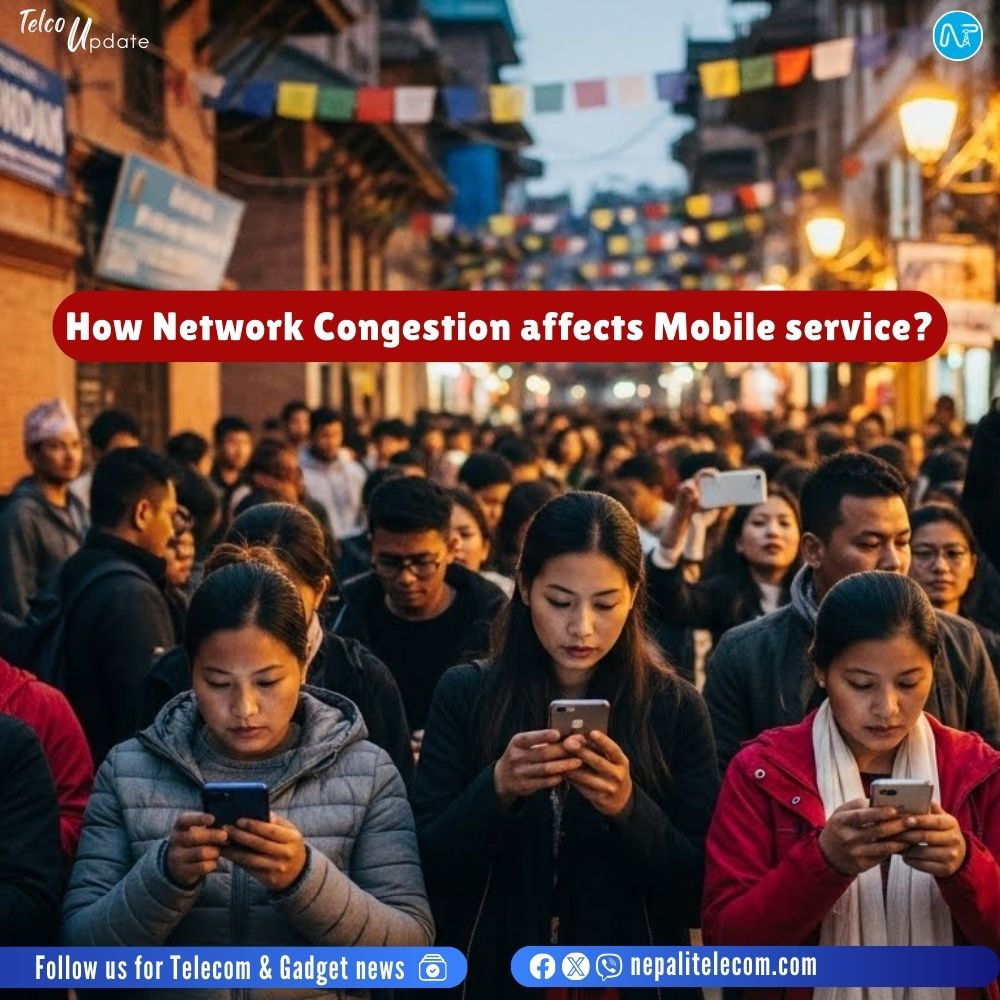
To break it down, we can witness network congestion scenarios during large gatherings, mass protests, political conventions, Festivals etc. Or just like I experienced, during a street festival in Pokhara.
And if you have experienced it, then you must realize how painful it becomes not being able to call or use data in a crowded area. You can’t make a payment (which does not require much data), can’t even post or share on the internet. Worse, if you are lost or someone from your family or friend circle is lost, then a call won’t happen! It entails a dire situation.
On normal days, if you are not getting good mobile signals, then try these key steps and ensure connectivity.
How does mobile network congestion affect services?
Here is a summary of things that usually occur during a network congestion.
- Unsuccessful call: If a network is suffering from congestion, then your calls won’t connect. It will simply show you a call failed type of pop-up, or it won’t ring at all.
- Call setup time delay and drop: The call setup time in a congested network might be slow, making it a worst experience for the users. Similarly, already setup calls can also result in sudden drop making it an unreliable network due to the congestion.
- Poor Call quality: Even if the call connects and the other person talks, your voice and the one at the other end are usually muffled and distorted. You know that the recipient is speaking, but the voice is not clear at all. It’s the same case on the other end, too. Do read: How important is voice call quality in mobile network?
- Slow/No data and SMS: Not just voice, mobile data service won’t work reliably with slow speed, increased latency, buffering video etc. Same is the case for SMS, as you may not be able to send SMS or takes time to deliver due to congestion. You will also encounter problem in not receiving OTP on your mobile. All in all, you lose reliable network access due to network congestion.
How can telcos resolve such an issue?
The solutions to problems resulting from network congestion can be temporary or permanent. It depends on the area and the real population figure of a particular area. Here are some of the measures telcos resorts to avert bad customer experience from network congestion.
- Add resources to the existing tower: You can add resources to existing towers to upgrade capacity or optimize resources. Telecom companies can add more frequencies or add cells of other frequency bands to enhance capacity. By doing these, existing cell towers can serve more users simultaneously and with higher capacity. The result is that more users can simultaneously use data, voice, and SMS services. Unlike the above one, this is a permanent solution. So, it’s more useful in areas that see more permanent population concentration than before. Check out: Frequency bands for 2G, 3G, 4G, 5G in Nepal
- BTS van/Temporary Towers: During a fair, public events, and even stadiums, operators use a BTS van or temporary towers (like on a trailer) to handle higher number of users than usual. A mobile BTS van comes with its own power backup, so it’s self-reliant on electricity. A mobile BTS is a portable tower that takes the load off a nearby permanent tower and serves users, adding capacity to a locality. It’s a temporary solution and is used by telcos in areas that have large crowds during special events.
- Small cells: Telecom companies can also use small cells to boost network capacity to keep services running. Telcos can legally use them in fixed location or distributed network to sustain their network in crowded places when necessary. It’s again a temporary solution but works in areas where the users are moderately higher than usual.
- WiFi Offloading: It is one of the best solutions to handle network congestion. Telcos can build Wifi network in such crowdy areas to offload the cellular traffic towards Wifi for data payloads. So, you should be able to connect and browse the internet smoothly. WiFi offloading is not being used like that here in Nepal. Now you can also make calls natively (on your dialer) using Wifi with a technology called VoWiFi, but you need to enable it on your phone for its working.
Mostly, network problems coming from congestion subsides on its own with people retreating back home after an event. Then, the service returns to the people as usual. Only when an area is flooded with more users, towers are also inundated with higher demands for service from mobile phones, tablets, laptops, etc.
On a side note, you may also reset phone network settings and see if it brings you luck. The chances are low, but when it’s in need, no option should be off the table.
What to do in congestion if its urgent?
If it’s an urgent situation, then you should try after waiting for some time for other calls or users to release to make room for you. Or You should try to move to a different location where there is no congestion (could be not too far). Or you can send an SMS and wait till it gets delivered. It’s better than nothing. If nothing works for you and it’s about a safety matter, try to reach to a public phone or a landline as fixed phone are not congested as the mobile.
Check out: Why do mobile network become problematic during disaster?
I hope this article has been informative as well as helpful to you. If you want to share your own experience of being in a disservice due to network congestion or add your input, feel free to join in our comment section below. Keep reading NepaliTelecom.com for news and the latest developments in telecom, tech, gadgets, etc.