Last Updated on July 30, 2022
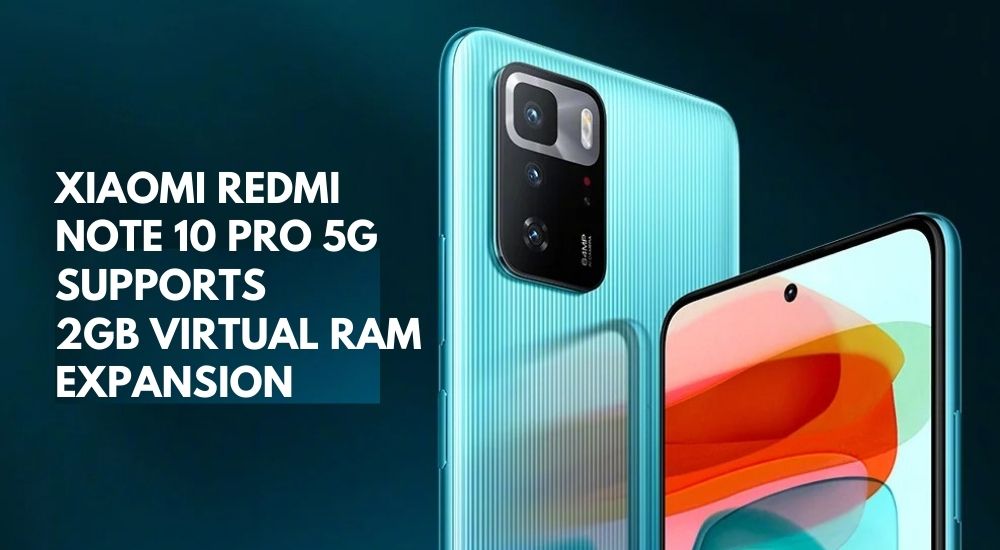
We all know about the success of the Xiaomi Redmi Note 10 Pro 5G in China. Nevertheless, its 4G siblings Redmi Note 10 and Redmi Note 10 Pro are also one of the most popular devices of the year. The Redmi Note 10 Pro 5G is one of the most powerful and elder siblings of the Redmi Note 10 series. Yet, the company has enrolled a software update that unlocks the device’s virtual RAM expansion capability. Therefore, the Xiaomi Redmi Note 10 Pro 5G supports 2GB Virtual RAM expansion.
Virtual RAM expansion is nothing new and has been in practice in CPUs for a long time now. However, smartphone manufactures are also embedding this feature into their smartphones lately. Companies like Huawei, OnePlus, Oppo, and Vivo have already introduced the feature beforehand. One of the prime examples is Vivo V21e, Vivo V21 5G as well as Oppo Find X2. The Virtual RAM expansion feature enables smartphones to operate more smoothly. Furthermore, it also helps in boosting multi-tasking and increases app launch times.


Nonetheless, this feature requires UFS 2.1 standard-based or above internal storage. Therefore, not all devices will support the Virtual RAM expansion feature. Plus, Xiaomi might launch this Virtual RAM expansion feature at the MIUI 13 Keynote where they will announce MIUI 13 OS. This feature might be their most important weapon in the MIUI 13 OS arsenal.
Don’t miss: Xiaomi and Redmi Mobile Price in Nepal
What is Virtual RAM Expansion?
Virtual RAM Expansion is a simple feature that uses a certain portion of a device’s built-in internal storage as a temporary RAM for a certain time. Therefore, it increases a smartphone’s performance. Moreover, from heavy work to multi-tasking and hardcore gaming, everything gets smoother.
This doesn’t mean the Virtual RAM replaces Physical RAM. It just adds more size to the Physical RAM for a certain time when the device needs it. As a result, launching games and apps become faster than ever. Virtual RAM expansion can make you feel a significant difference in overall performance.
2GB Virtual RAM Expansion on Redmi Note 10 Pro 5G

The higher the size of the RAM, the more the speedy device gets. Xiaomi has brought this simple idea into its device now. Thus, Xiaomi Redmi Note 10 Pro 5G supports 2GB Virtual RAM Expansion. However, this OTA update is currently only being distributed in Chinese units. But, this feature may be available if the Redmi Note 10 Pro 5G gets launched globally or the feature itself gets distributed on more Xiaomi devices.
When the feature is activated, it will automatically allocate 2GB of built-in internal storage and uses it as RAM when needed. Thus, when the device is heavily used and while performing heavy multi-tasking or intense gaming. So, your 6GB RAM transforms into 8GB RAM and 8GB RAM transforms into 10GB RAM. As a result, the smartphone unravels its capability to maintain processing power even when its memory is running at full capacity.
How to turn on 2GB Virtual RAM on Redmi Note 10 Pro 5G?
Now, you might be wondering about how to Turn On or use the 2GB Virtual RAM expansion feature. If you have the Redmi Note 10 Pro 5G, just follow the steps listed below:

- Go To Settings
- Look at RAM/Storage option
- Find Virtual RAM Expansion option
- Click on Virtual RAM Expansion
- Turn the feature On
- That’s it, you’re all set
Somewhere in the Settings section, you can easily find the Virtual RAM option. Might be somewhere around the Storage or RAM section inside the Settings. Well after that, all you have to do is just turned it on. That’s it, now you can avail the fruits of the 2GB Virtual RAM expansion. Now all your multi-tasking, heavy work, and gaming upheave on a new level significantly.
Our Honest Opinion
Xiaomi has taken a huge step in introducing the feature in its Redmi Note 10 5G smartphones in China. Nevertheless, the company releasing the feature for its other globally launched smartphones is nearly inevitable. Most likely, it will be introduced as a part of MIUI 13 OS and Xiaomi devices with UFS 2.1 based internal storage or above will support it. This feature surely will increase the performance of mid-range phones making their performance as if a flagship killer smartphone.
So, did you like the idea of Virtual RAM Expansion on Smartphone? Are you fond or excited about the feature? Let’s us know your answers and honest opinions in the comment box down below. Until Next Time, Adios!
Don’t Miss Out On: Xiaomi Mi 11 Lite Price In Nepal