Last Updated on July 1, 2024
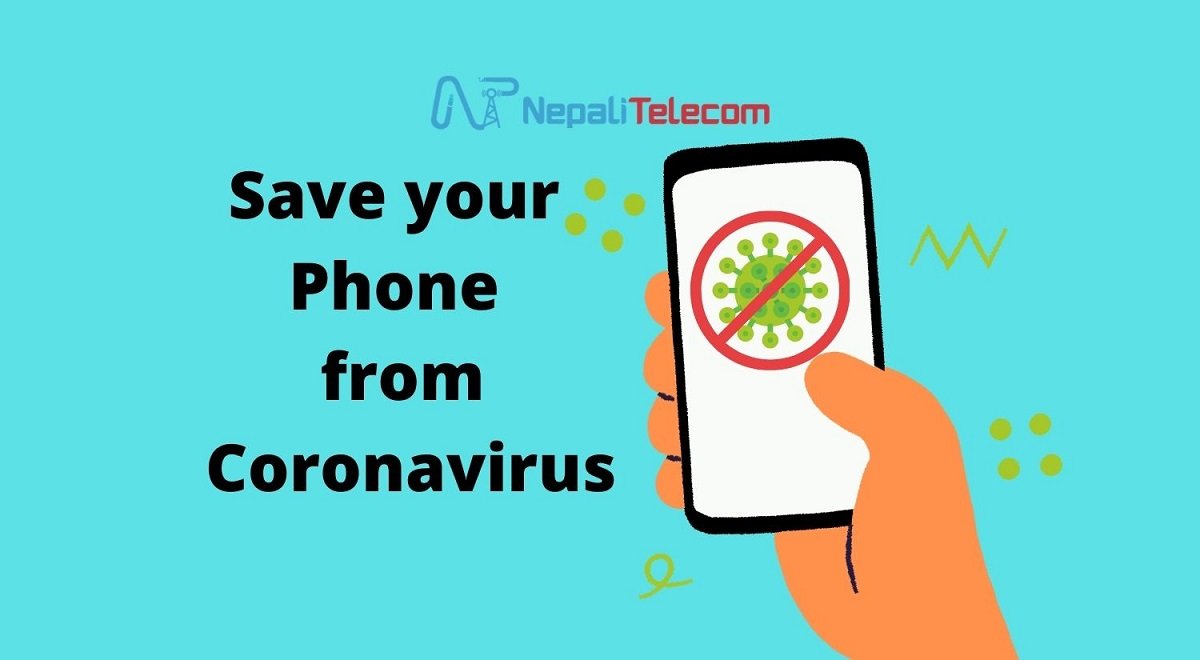
The second wave of the COVID-19 pandemic is here. As there is a risk of smartphones being the carrier of coronavirus for you, learn how to save/sanitize your smartphone from coronavirus.
As the country has gone into another lockdown, everyone is taking the same initiatives as last year. Avoiding physical contact with the infected, sanitizing ourselves, regularly washing hands, and avoiding touching nose or mouth with fingers have all been taken up as effective methods of staying safe from the virus.

Read this: Telcos and ISP Vehicles to Run Uninterrupted In Restrictions
However, what people are not talking about is how to keep your smartphones safe from the Coronavirus. People are still not wary about the possibility of smartphones carrying the deadly virus. The handheld device has often evaded the discussion about how it can play an active role in hosting the virus and transmitting them to our bodies. However, this post will brief about how you can keep your smartphones sanitated to avoid any health mishap.

Smartphones During The Lockdown
Smartphones have become an even more important daily driver to run down the time during the lockdown. From work to online classes, to shopping, dependency on mobile phones and the internet has been unprecedented. Moreover, we carry it everywhere we go and we touch it with unwashed hands. Therefore, we must be aware that smartphones can also be the host to the Coronavirus.
Various studies have found that the deadly Coronavirus has a different life span on different hosts. Check the table below.
| Surface | Virus Survival |
| Copper | 4 hours |
| Cardboard | 24 hours |
| Plastic & steel | 72 hours |
| Air | 3 hours |
As our mobile phones are either made of plastic materials or glass, it does have to stay there for hours. It is our utmost responsibility that we clean and disinfect our mobile phones regularly from the virus.
Check this: Save These Helpline Numbers for COVID-19 Issues
How to Sanitize Smartphones From Coronavirus?
We have learned that smartphones can become a host for the Coronavirus and they can survive on it for multiple hours. You must be very conscious of our effort to sanitize your devices.
The Dos
You must be careful if your smartphone touches other unknown devices including other’s hand.
Whereas you need to do the cleaning/sanitize for the probable contact of the virus to your phone.
A smartphone comes with a protective coating layer that wards itself off from smudges and minor scratches. That is why you should be using a disinfectant such as Isopropyl alcohol or a Clorox wipe can be good cleaning agents. It kills off the virus and also protects the coating.
Even if the device is water-proof or splash-proof which is the case for most phones, a thorough wipe with a damp cloth or wipes may do the trick. However, to ensure you destroy the virus, you should use an alcoholic liquid.
And The Don’ts
While cleaning smartphones reduces the chance of virus infection, you must be careful about what we should not do as they also help minimize the risk.
Even after you perform a clean-up of your device, you should be wary about the fact that your device is still vulnerable to catching viruses. You should not take your mobile devices out of home too much. Letting it out in the open exposes it to viruses from everywhere. Also, beware not to let others touch your phone.
Limit your smartphone to you and only those around you who you think are well protected or sanitated. It is also better not to leave your phone in the restrooms to keep it free from germs, bacteria, or viruses. And also do not forget that you should also not touch other devices as they can transmit the virus onto your device and then to you.
When you think your device needs cleaning, do not let up. Quickly give your device a complete wipe as well as your phone case.
Check out: Smartphone vs Laptop; which one do you prefer?
Some Common Methods to Clean up Your Smartphone
Besides the general ways you can clean up your smartphones, there are some common steps to help you guard your devices against the possible Coronavirus.
- First unplug all power sources, cables, and devices.
- Use only a soft cloth.
- Avoid excessive wiping.
- Keep your device safe from liquids of any type.
- Keep your device away from moisture into any openings.
- Avoid any type of bleaches, and abrasives.
- Do not use spray cleaners.
It is important that you let the case completely dry after cleaning before placing your phone back inside.
Check out: Why and How to check screen time?
How Many Times Should You Sanitize Your smartphone?
The frequency of sanitizing smartphones is still debated among experts. One school of thought suggests we should disinfect our phones as many times as we wash our hands. However, there are other schools of thought proponents who believe occasional cleaning of our smartphones is enough.
Despite the two sets of arguments, it is also important to note that smartphones do carry viruses on their surface and they can survive for hours. More importantly, others in the family can also touch the phone which can transmit viruses from one to the other. Therefore, it is not an option not to clean your smartphones.
It is recommended that you clean your phones at least twice a week to ensure that your device is not hosting coronavirus. Or every time you suspect you might have contracted the virus on your phone when you go out, you should clean/sanitize your phone.
Recommended Read: How to report, track your lost phones in Nepal?
Once again, COVID-19 infections are rising at an alarming rate. It is our responsibility to take safety measures seriously. Apart from social distance, and handwashing, sanitizing smartphones could prove to be an effective measure of protection from the Coronavirus.
Stay safe and stay healthy.
What do you think of smartphones’ role in transmitting the Coronavirus? Have you been sanitizing your devices as much as your hands? Let us know your opinion on this in the comments section below.