Last Updated on February 4, 2023
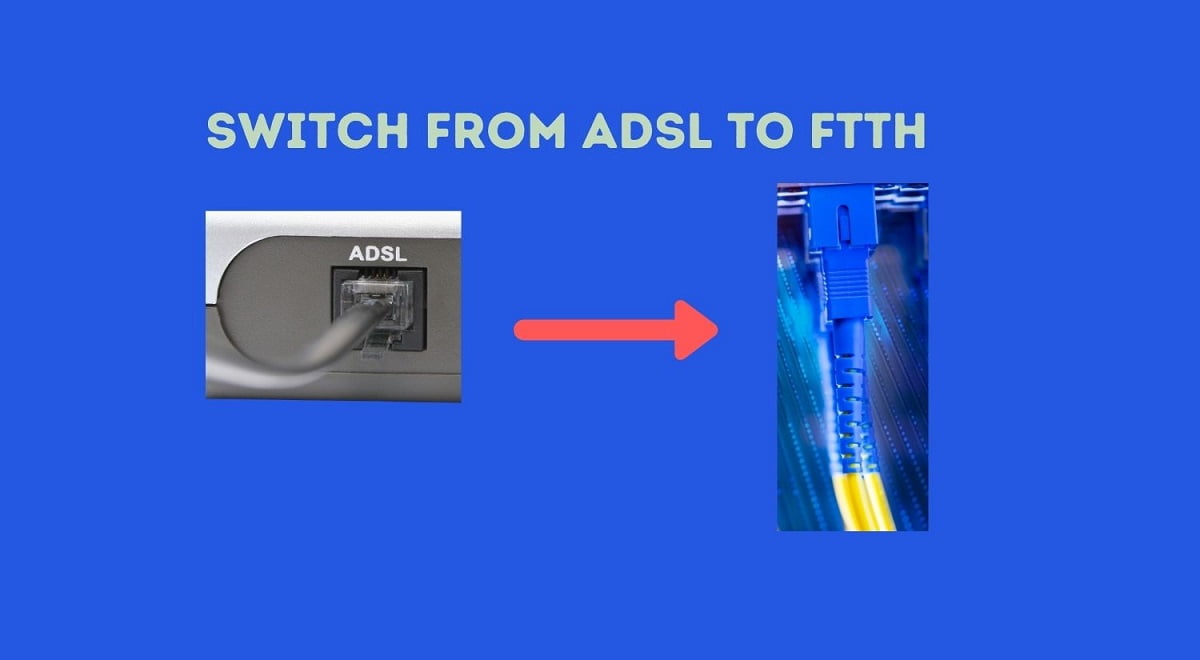
Nepal Telecom’s ADSL internet has already served people for more than a decade. Though the ADSL technology still performs well in some locations, there are many factors including the distance and copper cable affecting the data speed and connection reliability. That’s why a lot of people query about the process to convert their ADSL internet into Fiber. Let’s jump right in for how to change the Ntc ADSL line from the copper cable to the Fiber-based FTTH service.
The ADSL service works with the same copper cable that comes to your premises for the telephone line. Now Fiber also provides the internet, telephone, and IPTV over the same FTTH service, which is also called Triple play service. Check the comparison between ADSL and FTTH to find out the real differences and also the superiority of FTTH over ADSL.
Nepal Telecom itself is also working on migrating its copper customers to Fiber. But as their Fiber service is not available in all the areas, they are confined to limited migration. For such migration, Nepal Telecom will contact you and perform the switch on their own, which is also free. If you have got calls for such change, we suggest you change immediately. Otherwise, you will have to visit their office if you want to switch later.

How to convert Ntc ADSL to Fiber?
Here you shall find the process to convert your Nepal Telecom ADSL service to Fiber.
- First of all, you need to make sure of the availability of FTTH at your location. You can visit the Ntc office or You can also check on your own if Ntc Fiber is available at your place with the trick in the detailed information article about Ntc Fiber net.
- If you have already confirmed the availability of Nepal Telecom Fiber by any of the methods, then you need to visit the Nepal Telecom office to fill out a registration form (with some identification).
- The Conversion of the already existing ADSL/telephone line to Fiber is free.
- If you have already paid for your ADSL line for some period, then the same subscription will transfer to the new Fiber line. If not, you need to pay for the monthly subscription to FTTH whose price depends on the internet speed. The minimum internet speed of FTTH is 8 Mbps and comes at a price of Rs 800 per month (which is the same as ADSL). You can also check for higher speeds and combo packs.
- Then Nepal Telecom technical personnel will visit your place and change your ADSL line to FTTH. You can also use change your current telephone line from the fiber itself which brings better voice quality. The deposit amount and remaining credits of the landline phone will also get transferred to the new Fiber line.
Points to Note with the Conversion to Fiber
Here are some of the few points to note while you switch from ADSL to Fiber.
- You will get a CPE, up to 100m Fiber cable for free
- Your existing telephone number will change but you can choose the available number yourself to make it sync with your old number.
- If you need it, Nepal Telecom will also put an announcement when people call your old number with the information about the new number. Please confirm this part.
- You can choose internet speed from 8, 25Mbps to 100 Mbps, along with the combo packs (Internet and telephone, voice minutes 250 within NTC)
- You need to note down your customer ID number (from your first bill) to pay for the service later from digital means (without visiting the Ntc office if you want it that way). Otherwise, you can also pay from their counters.
- You can find the SSID (Hotspot name) and default password at the back of your CPE device.
- NTC will migrate all of the ADSL subscribers to Fiber in a matter of some time. So, if you get calls for a change from Nepal Telecom itself, do not hesitate.
- Here is the process to complain about Ntc FTTH internet service and FAQs.
Hope you have found the article on the process to convert Nepal Telecom ADSL line to FTTH Fiber, informative enough. If you do, please share with your friends and family who are troubled by the slow internet connection. If you do not have any other options, you can try improving the ADSL internet yourself.
If you have any queries about converting your telephone/ADSL to Fiber, please comment down below.