Summary✨
- You can now check your Driving License Print Status on Nagarik App with the latest version 2.0.95.
- This feature simplifies the process of verifying whether your driving license has been printed.
- To check the status, open the Nagarik App, tap on Driving License, and view the print status at the top.
From now on (2083-01-14), you can check your driving license print status on Nagarik App. The facility has been added to the app in its latest version 2.0.95. It makes it super convenient to see whether your driving license has been printed or not.
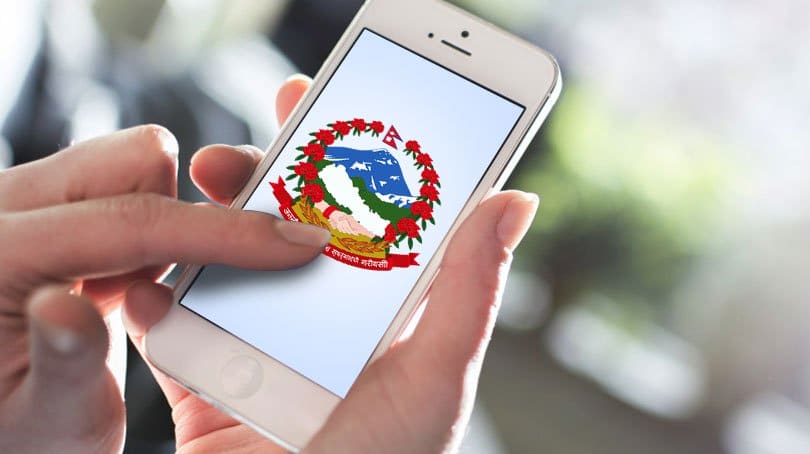
The super app has been aggressive in transforming public services. It’s been proven so important that the current government has taken it as a key vehicle for its 100 public service delivery. Already, you can see your driving license on Nagarik App. But with the addition of print check status, the value of using the app has grown even further.
In this post, we share how you can check whether your driving license has been printed or not. You can also check the license print information online. But finding it on the government app makes it more convenient as it does the job in a few steps.

Also, don’t miss: Facebook monetization in Nepal: Criteria, Bank Details
Driving License Print Check Status on Nagarik App
Here are the steps to find out your driving license print information on Nagarik App:
- Open Nagarik App
- Tap Driving License
- You see the print status right on top
When I opened mine, it said, “Your driving license has been printed. Please collect it from the relevant office.” So, I am going to collect it soon. If you find the affirmative notice, then you need to visit your concerned Department of Transport Management (DoTM) office, where you can receive your driving license in the physical form.
Check out: Most popular apps in Nepal | Wallet to entertainment
FAQs on 4G users in Nepal
Here are the most frequently asked questions (FAQs) about Nagarik App’s driving license print status checking facility in Nepal:
Yes. You can check whether your driving license has been printed on Nagarik App.
It’s easy. Just open the Nagarik App > Driving License > find the information at the top.
You need to visit the concerned Department of Transport Management (DoTM) to collect the physical license.
You need to update the app. The feature is available with version 2.0.95.